These features are live in Cleaning Made Easy now.
Recurring visits with skips
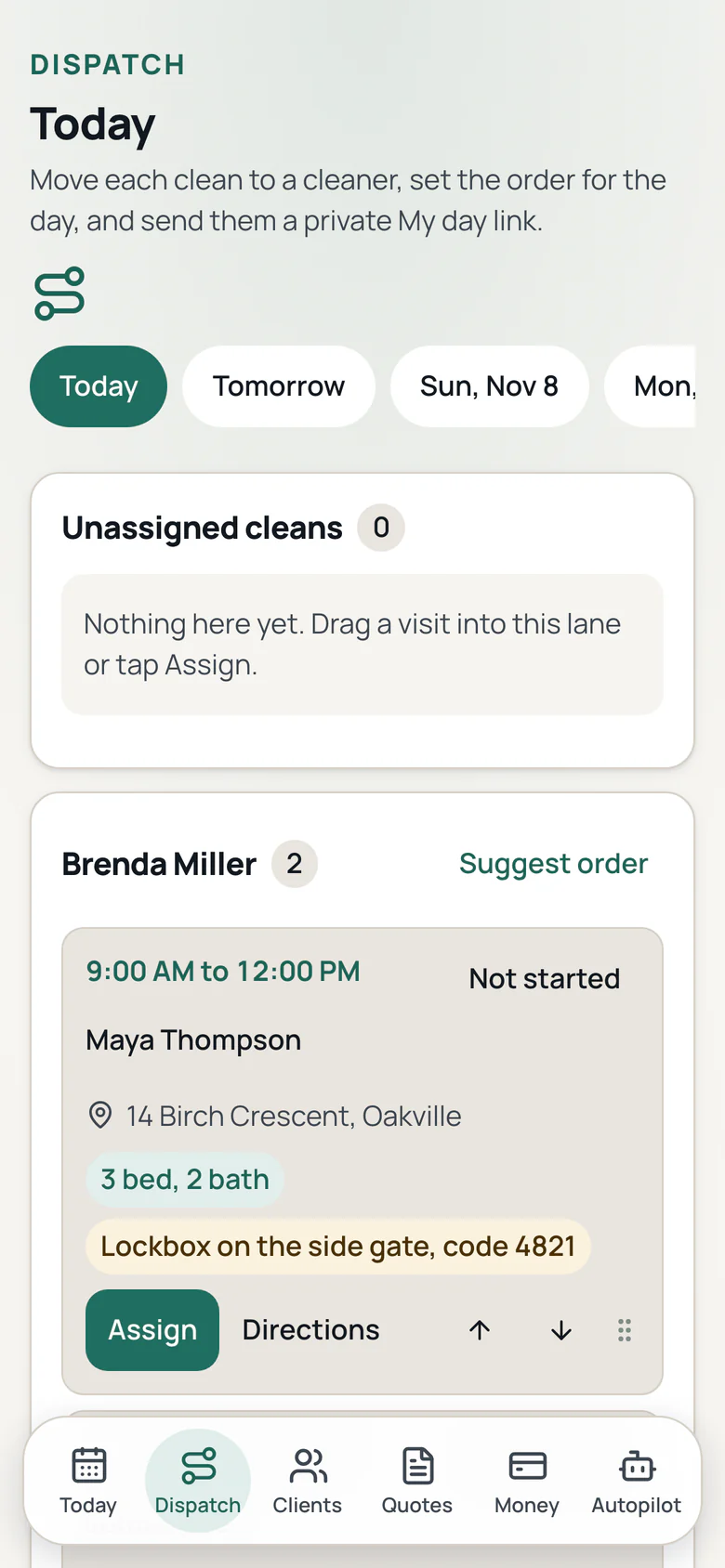
One time, weekly, every 2 weeks, every 3 or 4 weeks or monthly. You choose the plan, and skipping one visit keeps the rest right.
Room checklists and photos
A checklist for each home, with before and after photos kept on the visit as proof.
Document templates
Four looks for your quotes, invoices and visit reports. Pick one for each document type in Settings.
Branded invoices with status
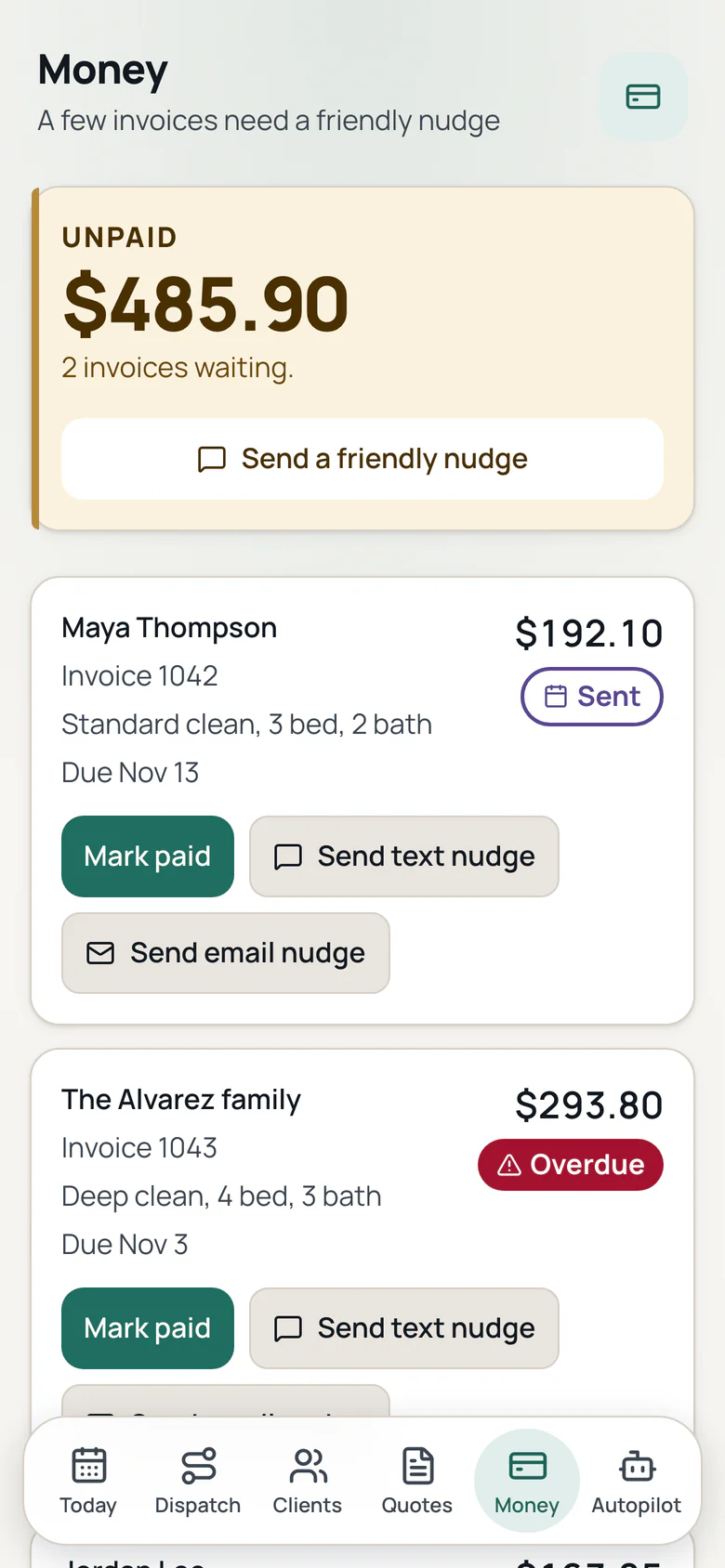
Your logo and colour on every invoice, with sent, viewed and paid shown for each one.
Interac e-Transfer
Clients pay by Interac e-Transfer, and you see when they open the invoice.
Tax for your province
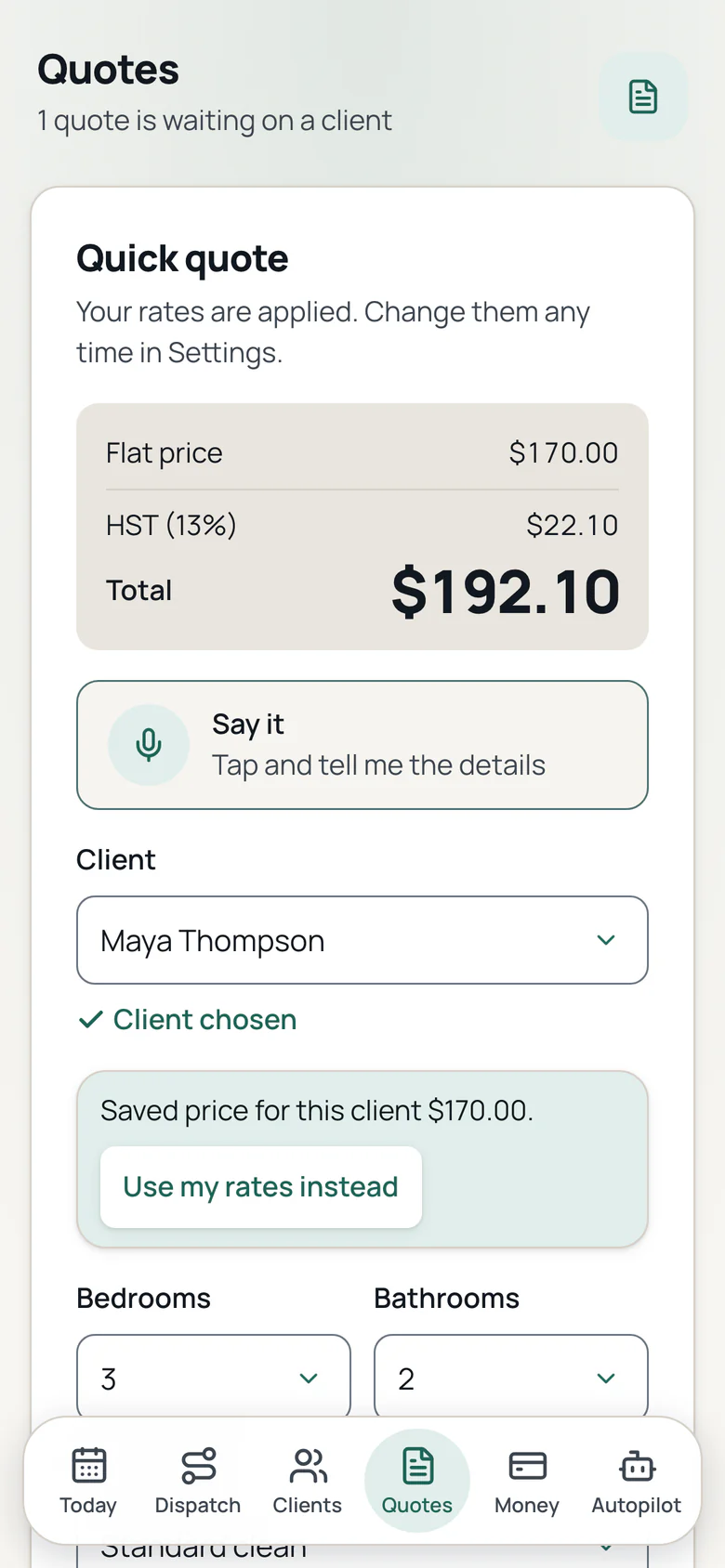
Tax is added from your province and shown on every quote and invoice.
One invoice per month
Bill every visit this month for a weekly or every 2 weeks client on one invoice.
Due dates and late fees
Set an invoice due on receipt or in 7, 14 or 30 days, and turn on a late fee if you want one.
Payment reminders
Friendly reminders for unpaid invoices, on to start and off with one tap.
Monday owner email
One short email on Monday with what you earned, what is unpaid, this week and quiet clients.
Win back list
Find quiet clients and send one short win back email. Needs the Marketing add on.
Where clients came from
Ask how each client found you, then see new clients and revenue by source.
Booking page
Share one link so a client picks a cleaning time and sends the request. You confirm first, and there is no payment up front.
Review requests
One tap after the clean to ask a client for a review. Each client is asked once at most.
Calendar sync
Subscribe to your visits in Apple, Google or Outlook calendar, and add any visit with one tap.
Say it, once per form
Tap Say it, say the details, and the form fills. Check each field and tap Save. Long notes keep their own mic.
Quotes and visits from history
The app fills a quote with the client's last price, and a new visit with the usual day, time and service.
Smart writing
A short thank you line for invoices and a summary of your visit notes, written for you and yours to edit.
Setup checklist
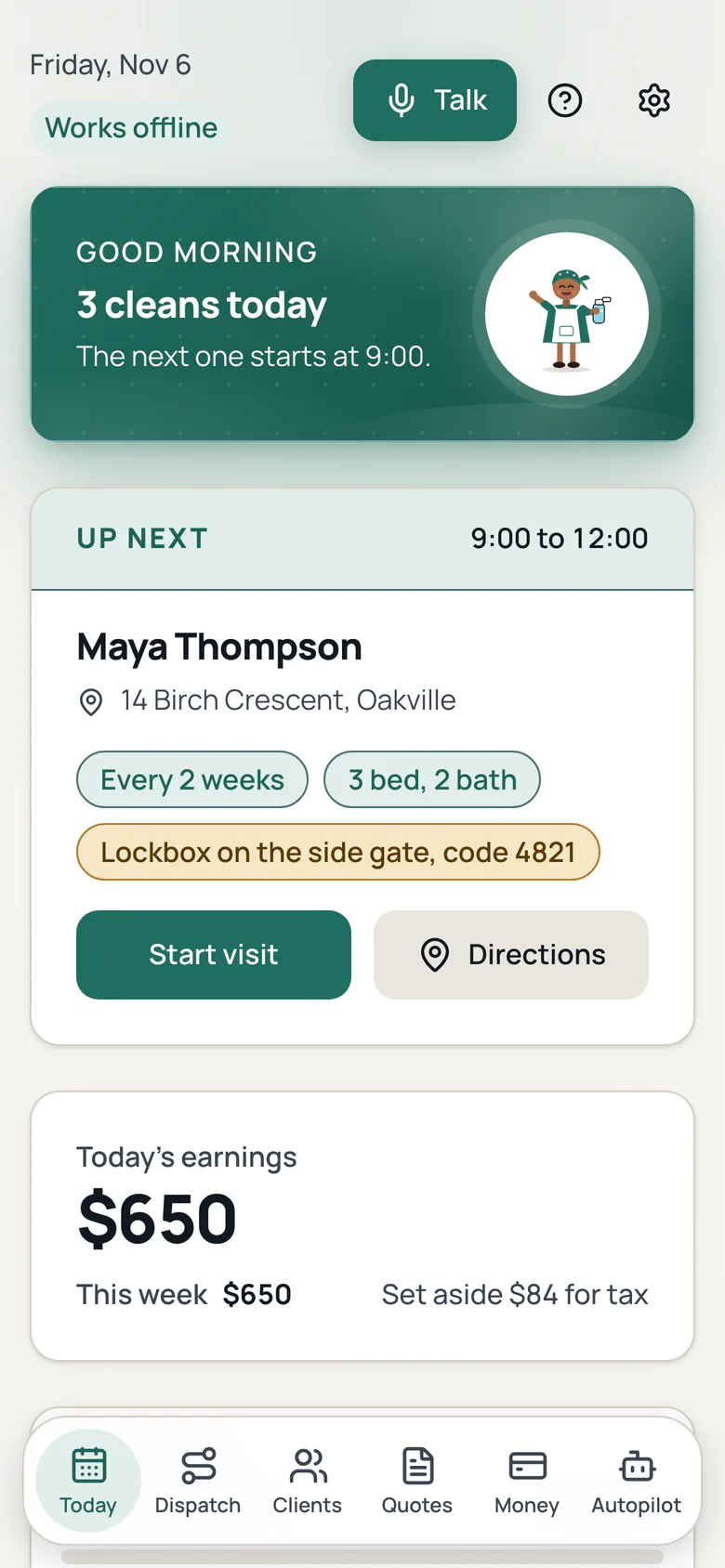
A short checklist on Today takes you from sign up to your first client and first quote.
Drafts save as you type
A closed tab or a dead battery does not lose your work. The draft waits on the phone.
Delete a client
Remove a client and their visits, quotes, invoices and photos in one clear step.
Cancel in two taps
When paid plans start, cancel in two taps with no call and no email. Your data is kept if you move to Free.
CSV import
Import your client list from a spreadsheet, with each client's frequency and next visit.
Export anytime
Download your clients, visits, quotes, invoices and photos whenever you want, free.
Support chat
Ask in the app and a real person replies within 1 business day. Your ticket and the reply stay in the app.